Early access Facebook and Instagram first
The right people, at the right moment.
Your customers write from wherever they found you, in a message or under a post. Stonechat works out who is still waiting and what each of them wants, and puts them in order. You answer whoever matters most first, knowing everything else is handled.
One email when it opens. Nothing else, ever.

 3 accounts
Grace Whitmore
Hello?? Still waiting on that quote30mGetting impatient
Marcus Hale
Can I add a second tier to my order?12mAlready a customer
Priya Raman
Do you have oat milk?39mPossible customer- GA
Growthly Agency
We help cafés grow on IG, quick call?3mSelling to you - WD
Wes Draper
Thanks so much, see you Saturday!21mNothing owed
What lands in your DMs and comments on a Tuesday
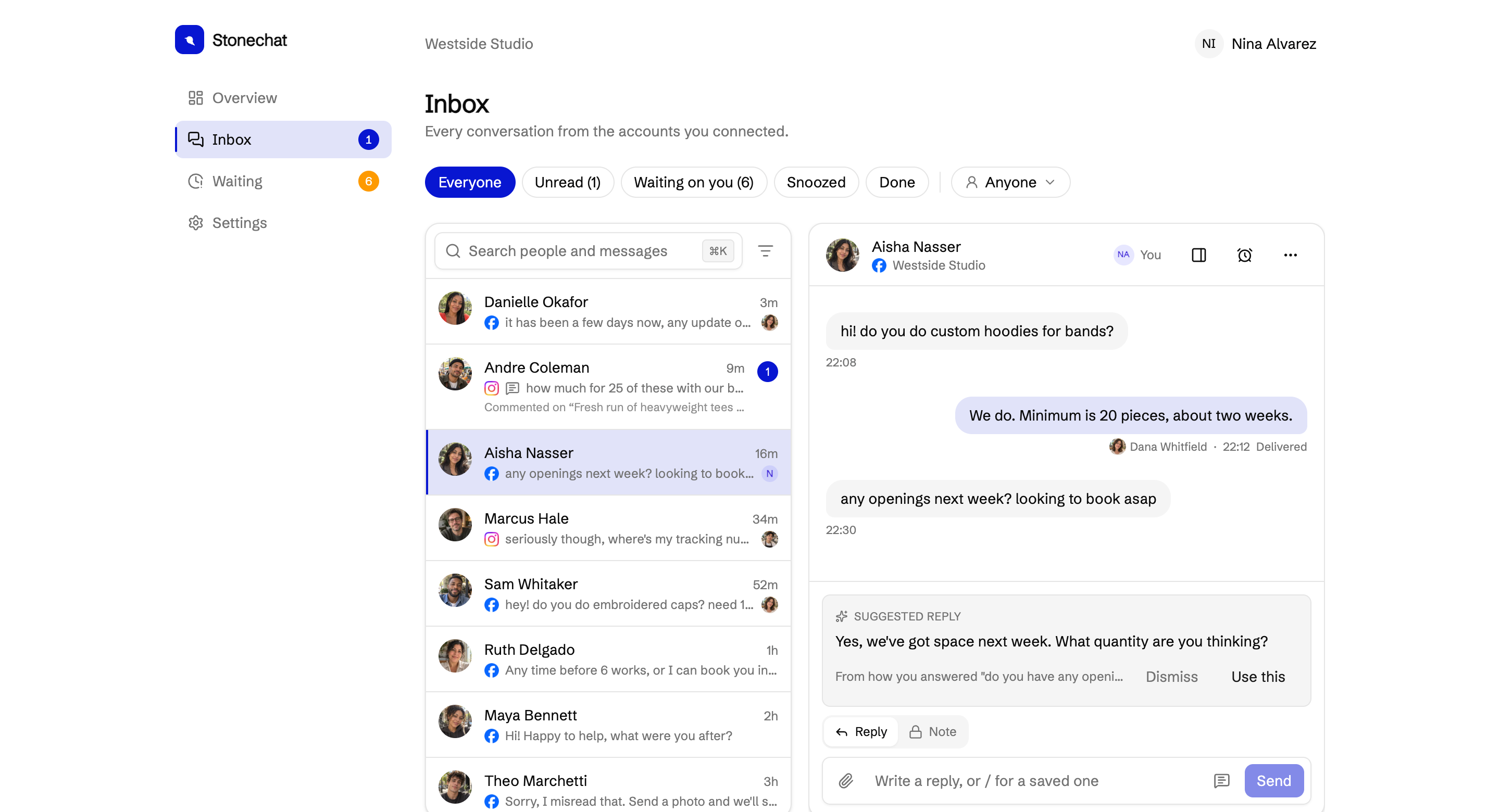
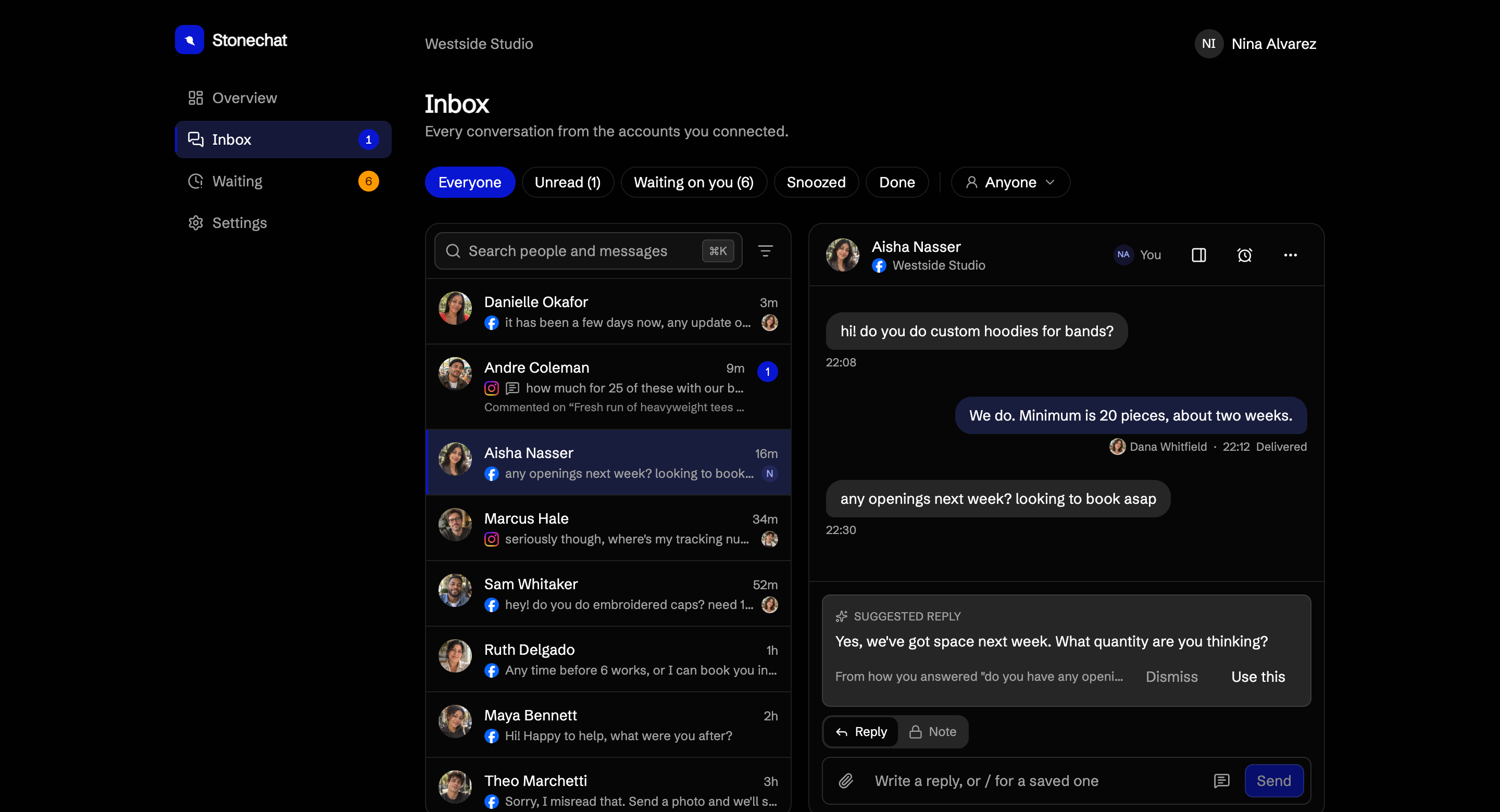
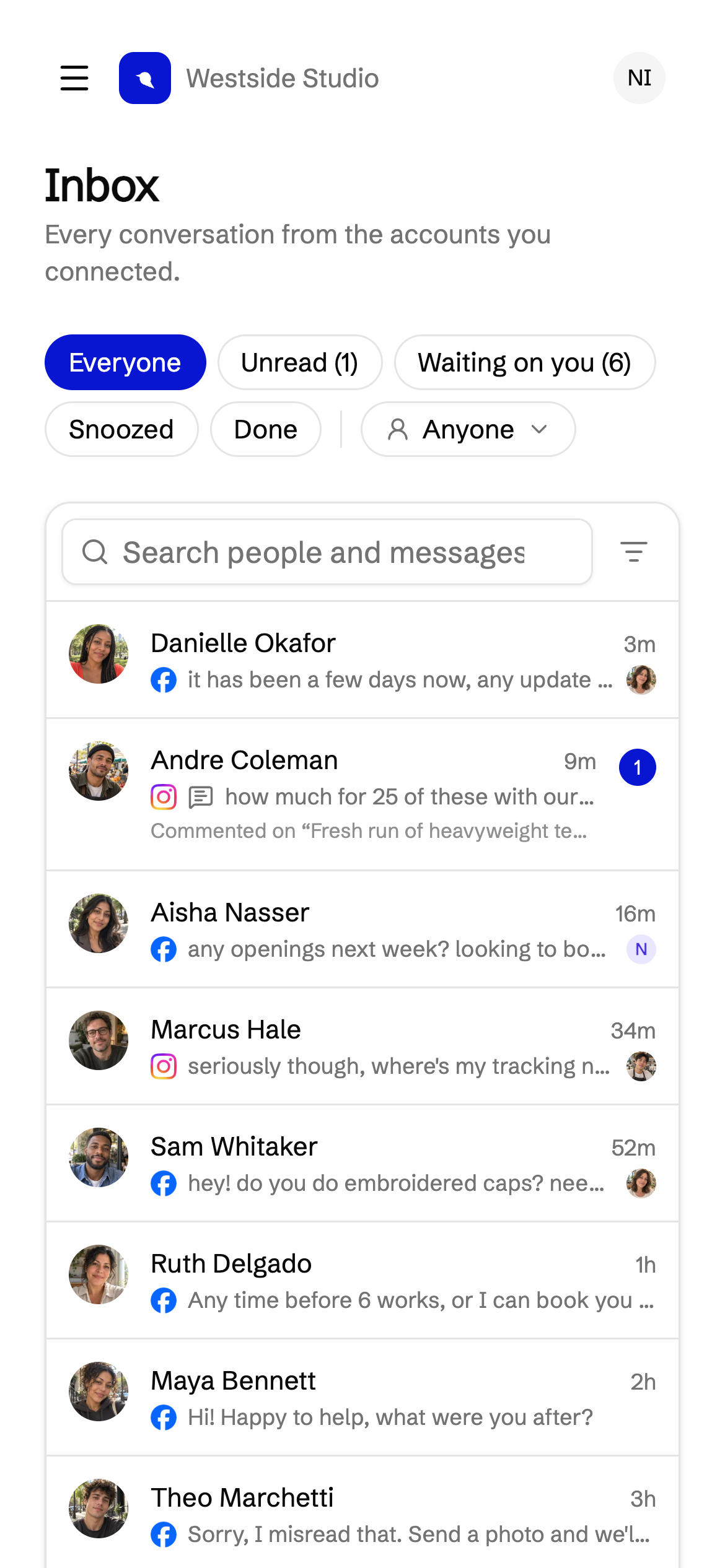
Who it is for
For when messages have become part of the job.
Too many to read in one go, more than one person answering, or a single message that could be a booking, a custom order or a quote. Busy tends to show up in one of two ways.
Some people never hear back.
Someone asks about a booking and nobody replies for three days. A quote goes cold. Nobody meant to miss it. There was just too much to read.
What Stonechat does
Stonechat keeps a list of everyone still owed an answer, worst mood and longest wait on top.
Everyone hears back, and it costs you your evenings.
You answer every message, usually after closing, usually the same seven answers typed out again. Nothing is missed, and you are exhausted.
What Stonechat does
Stonechat drafts replies from your knowledge base and from how you answered the same questions before, so those seven answers are already written when you open the conversation.
01 One inbox
Every account, one list.
Connect as many Pages and Instagram accounts as you run. Every message, and every comment that needs an answer, lands in the same list, and your reply goes out where they wrote.
02 Sorted for you
Who needs you first, on top.
The list orders itself by who needs you most, so the top of it is always the right place to start.
03 Catch up
Then clear it in one sitting.
Press Catch up and Stonechat walks you through everyone waiting, one conversation at a time. Answer, next, repeat.
04 Done
Everyone has an answer.
A couple of minutes, and nobody is left wondering whether you saw their message.

Closing time
Close up. We’ll mind the door.
Set your hours day by day, whether that’s closed on Mondays or open late on Thursdays. When you close, Stonechat knows.
While you’re closed
They still hear back.
Anyone who writes after hours gets your away message straight away, once, telling them when you’re back. You write it once; we suggest a starting point from your hours.
Next morning
Pick it up when you open.
Everyone who wrote while you were closed is waiting on you, in order. And your reply times only count the hours you’re open, so a message at 3am never counts against you.
How it decides
It reads the room, so you don’t have to.
Stonechat reads each conversation the way you would. Nothing to set up, no rules to write, nothing to teach it.
Knows when you’re done
“Thanks, see you Saturday!” isn’t a question. A follow-up question is. Only people still owed an answer stay on your list.
Tells a buyer from a pitch
Possible customers, existing customers and people selling to you, each in their own pile.
Notices when patience wears thin
Chasing, repeating, getting upset. You see who to answer first before it turns into a bad review.
Hi, any news on the quote for the wedding cake?
Hello?? Still waiting on this
Waiting on you
“Chasing a quote they asked for earlier”
Every conversation read, sorted and labelled as it comes in, with a draft ready where one helps.
Comments
The questions under your posts, too.
A comment asking the price is a customer. A row of heart eyes is not. Stonechat puts the questions on your list with everyone who messaged you, and leaves the compliments and tagged friends where they are.
Answer in public
Reply under the post, where the next person wondering the same thing will see it.
Or take it to a message
Message them privately about their comment when it’s a price, an address or an order.
Hide or delete what should not be there
Hide spam and abuse, or delete a comment that shares a phone number, without leaving your inbox.

Your evenings back
You have already written most of your replies.
If you answer everyone yourself, you know where the time goes. The same questions, the same answers, typed out again after closing. Trying harder works for a while, but the busier you get, the more of your evening it takes.
Written from your own answers
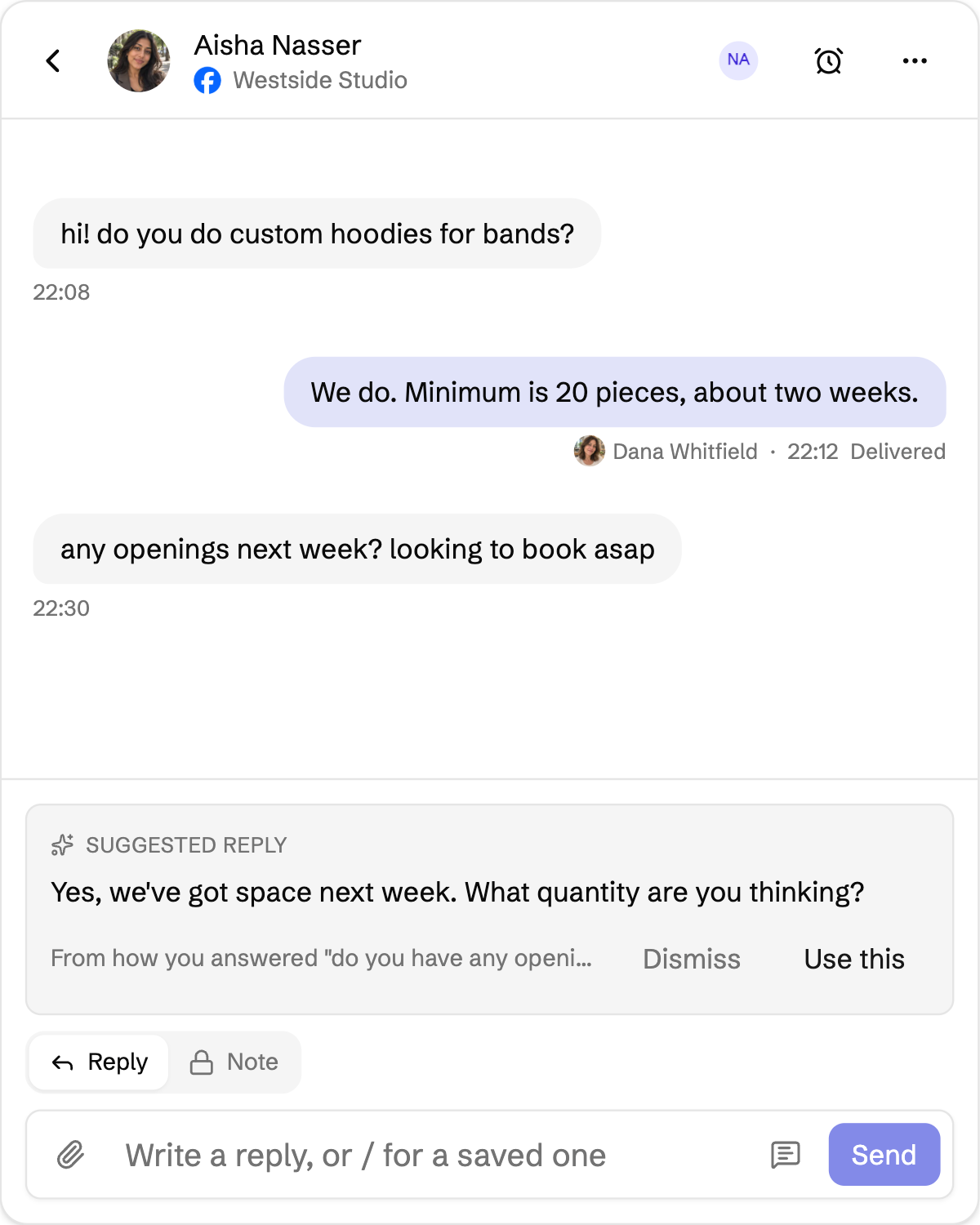
Each draft comes from your knowledge base and from how you answered a similar question before, so it sounds like you and not like a template. Write your hours and policies down once and drafts start on day one, and Stonechat suggests answers from the ones your team keeps sending, for you to save. When your team quotes a different price or time than an entry, or customers ask about something nothing covers yet, it tells you.
Ready when you open it
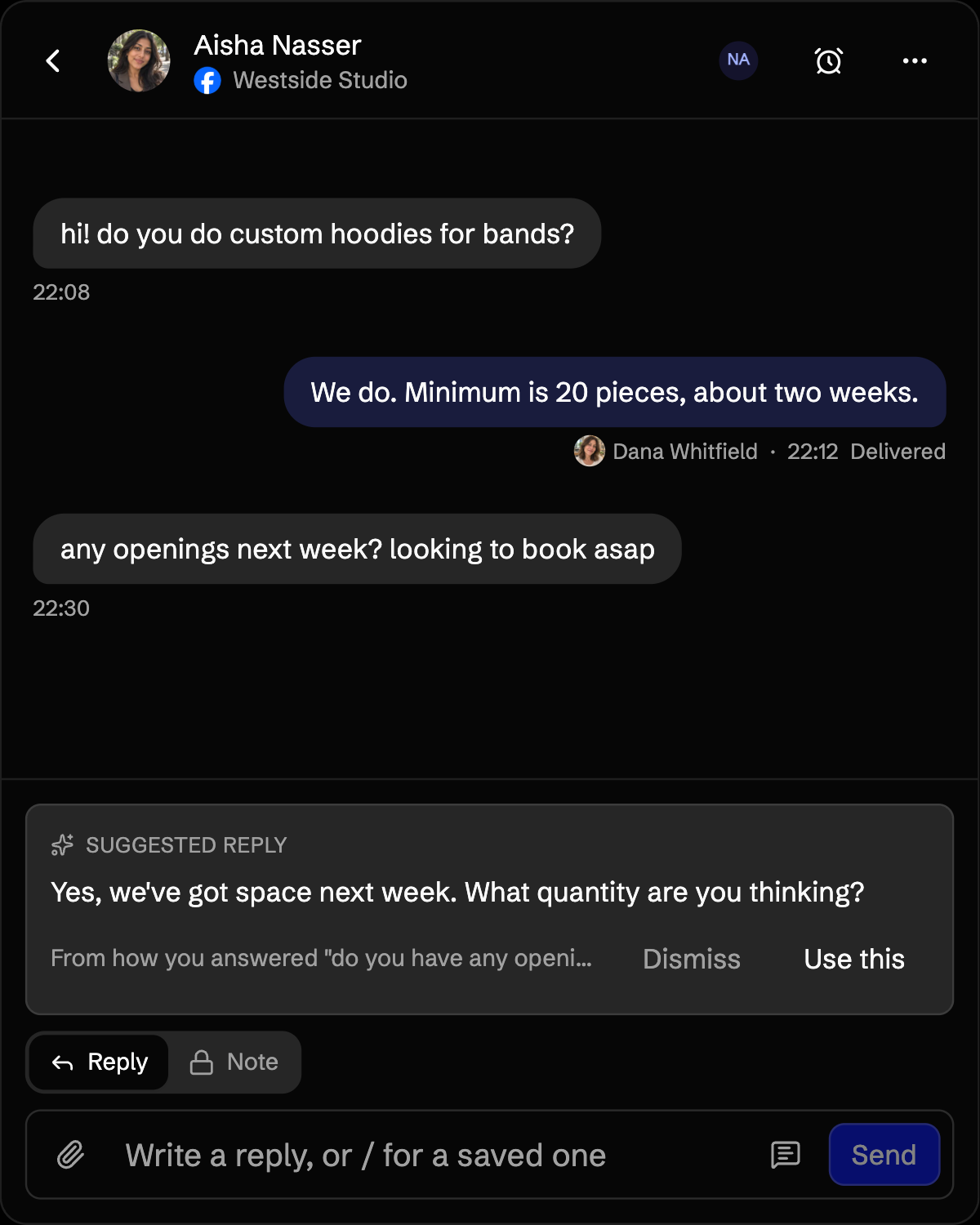
The draft is waiting in the conversation. Send it as it is, or change a word first.
It shows where it came from
Every draft shows its sources, the knowledge base entry or the earlier answer it rests on, and one click opens the entry. Its prices, dates and times are checked against those sources first, and a draft that does not match them is held back.
 Shopify
Their order, right beside what they wrote.
Connect your Shopify store and a customer’s orders sit next to the conversation: what they bought, where it is, and the tracking link. Let it read your products too, and a suggested reply knows the price and what is in stock. Nobody has to go and look it up.
Found, never guessed
An order number or an email finds the right customer. A name on its own links nobody.
Replies that know the order
Confirm it’s them once, and suggested replies can tell them where their order is.
Stock checked as they ask
“Is the grey hoodie in M?” gets a suggested reply with its price and what’s left, read from your store that minute, and the link ready to send.
Your policies, already written
Bring your returns and shipping policies into your knowledge base, and hear when they change in your store.

Your team
Everyone who answers, working one list.
Invite everyone who answers, at no extra cost. Each of them knows what is theirs, what the others are doing, and what has already been said, so nobody answers the same person twice.
Hand it over
Give a conversation to whoever knows the answer. Whatever is yours waits under Mine.
Notes with@mentions
Talk it through right beside the conversation. The customer never sees it.
See who’s replying
When a teammate is already typing, you see it before you start.
Who sent what
Every reply shows who sent it, and the dashboard shows who answered first.
When you’re not looking
It finds you when someone needs you.
Nobody keeps an inbox open all day. Stonechat taps you on your phone or computer when it matters, and only then. Not for every message, and never twice about the same person.
Someone has waited too long
You choose how long is too long. One nudge per person, until someone answers them.
Someone sounds upset
Straight away, however long they have been waiting.
Quiet while you’re closed
Anything after hours keeps until morning, and one email as you open says who is waiting.
At a glance
Your whole day, on one screen.
Open Stonechat and the first thing you see is who is still waiting, how they feel, and how quickly you have been getting back to people.
Waiting on you
3 people asked you something and have not heard back.
- Grace Whitmore19h ago
Hello?? Still waiting on a quote
UnhappyAlready a customer  Sam Whitaker6h ago
Can you fit a party of 12 on Friday?
Getting impatientPossible customer Ruth Delgado2h ago
Do you sell the glaze separately?
Possible customer
Typical wait this week, in open hours
11 min
↓ 4m faster than last week
How the people waiting feel
1 unhappy
2 getting impatient
4 still patient
Nobody left waiting at closing
3 days 🔥
When people write to you
Busiest: Sun 9pm
Who answered first this week
Typical wait, in open hours

Dana Whitfield
Answered 18 people first
9 min

Jun Lee
Answered 11 people first
14 min
- AM
Ali Moreno
Answered 4 people first
22 min
And the rest
Everything else a busy inbox needs.
Find anything anyone said
Search every conversation on every account, and land right on the message.
Snooze it until it’s time
Out of the way until the day you chose, and back on its own if they write first.
Your usual answers, a / away
Type / for an answer from your knowledge base. Stonechat also spots the answers your team keeps sending and offers to save them.
Photos and files
A photo of the damage, a return label, a menu. Sent and received right in the conversation.
Nothing to build first
It works the moment you connect it.
Connect an account and Stonechat reads the last 30 days straight away, so the first thing you see is how the last month really went. There is nothing to draw, nothing to branch, and nothing to keep working afterwards.
Flow buildersNodes and branchesA weekend of setupA canvas
What it costs
One price. Your whole team. Everything included.
Bring everyone who answers. We do not charge per seat, and every part of Stonechat comes with it, from sorting and drafts to comments and your store.
$39a month
- Everyone who answers, at no extra cost
- Everything Stonechat does, nothing to unlock
Is there a limit?
It is made for one business. If more than about a thousand people write to you in a month, get in touch. At that size we would rather talk than guess.
We will never hide a message to make you upgrade. Everything that arrives shows up. Your usage is always in the app, and if you get busier than the plan is made for, we tell you early.
You will see your own last 30 days before you pay for anything. The price is on this page, in full, before anyone is asked to pay.
If it turns out not to be for you, ask within 14 days of a payment and we refund it in full. How refunds work
Nobody waits.
Nothing slips.
Stonechat opens to small groups first. Leave your email and you will hear from us once, when it is your turn. Then connect an account and see what your last month really looked like.
One email when it opens. Nothing else, ever.